

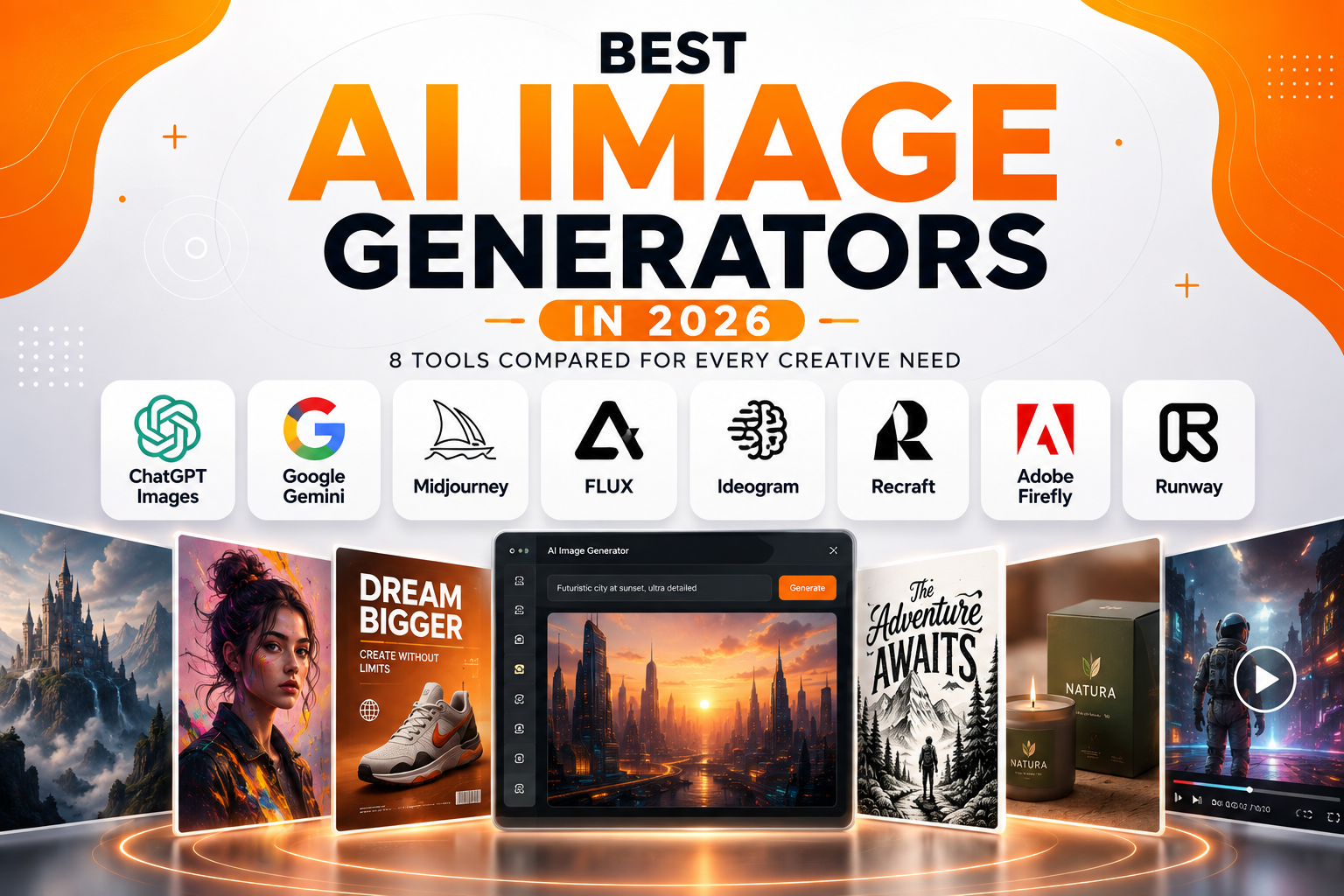
AI image generators have changed quickly.
What started as simple text-to-image software has become a much broader creative workflow. Modern tools can generate images, edit existing visuals, follow detailed instructions, and in some cases connect image creation with video and professional design workflows.
That also makes choosing a tool harder.
There is no single AI image generator that is perfect for every project. One may be better for cinematic artwork, while another is more useful for realistic images, typography, branding, or everyday editing.
For this guide, we are looking at eight AI image generators that stand out for different types of creative work.
The goal is not to give every tool the same rating. Instead, we are looking at what each platform does well, where it fits, and when another option may make more sense.
Best AI Image Generators at a Glance
| AI Image Generator | Best For | Main Strength |
|---|---|---|
| ChatGPT Images | Everyday creation and editing | Conversational workflow |
| Google Gemini | Fast generation and editing | Natural-language control |
| Midjourney | Creative artwork | Visual style |
| FLUX | Realistic images and development | Flexible model ecosystem |
| Ideogram | Graphics with text | Typography |
| Recraft | Branding and design | Vector and design assets |
| Adobe Firefly | Professional creative work | Adobe ecosystem |
| Runway | Image and video workflows | Creative production |
The quick comparison gives you the basic answer. The real differences become clearer when you look at how each tool fits into a specific workflow.
A blogger may not need the same level of control as a professional designer. A developer may care more about API access, while a social media creator may want fast variations and easy editing.
That is why we are comparing these tools by practical use rather than forcing them into one overall ranking.
ChatGPT Images
ChatGPT Images is one of the easiest options for users who want to create and edit images through conversation.
OpenAI introduced ChatGPT Images 2.0 in April 2026, with improvements aimed at image generation, editing, instruction following, and control.
The biggest advantage is the workflow.
You can describe an idea in normal language, generate an image, and then continue asking for changes. You do not necessarily need to rebuild the entire prompt each time.
That makes it useful for blog graphics, social media visuals, product concepts, illustrations, and quick design experiments.
Where ChatGPT Works Best
ChatGPT is especially useful when the image needs several rounds of refinement.
You might start with a simple concept and then ask to change the background, adjust the composition, remove an object, or create another version.
This conversational approach is easier for many users than learning a dedicated image-generation interface.
It is also useful for people who already use ChatGPT for writing, research, brainstorming, or other creative work.
What to Keep in Mind
ChatGPT focuses heavily on simplicity and conversation.
That is an advantage for everyday users. However, creators looking for highly specialized visual controls may prefer a dedicated platform such as Midjourney.
Generated images should still be reviewed before publishing. Small details, text, proportions, and objects can sometimes require correction.
RIC GUIDES INSIGHT
Best for: Everyday image creation, editing, blog graphics, and fast creative iteration.
Why it matters: ChatGPT turns image generation into a conversation, making it easy to create an image and refine it through simple follow-up instructions.
Google Gemini
Google Gemini has become another strong option for AI image generation and editing.
Google introduced Nano Banana 2, also known as Gemini 3.1 Flash Image, in February 2026. Google describes it as a faster image-generation and editing model with higher fidelity and improved capabilities.
The workflow is similar to ChatGPT.
You describe what you want, review the result, and continue refining it.
That makes Gemini useful for everyday visual creation without requiring a complicated prompting process.
Where Gemini Works Best
Gemini is useful when an image needs to follow several instructions at once.
Google positions Nano Banana 2 around high-fidelity generation and faster advanced editing. It is also available through the Gemini API, giving developers a way to use the model in their own applications and workflows.
This makes Gemini relevant to both casual creators and developers.
You can use it for blog graphics, marketing concepts, social media images, product ideas, and visual experiments.
Its conversational workflow is also helpful when you want to make several small changes instead of generating a completely new image.
What to Keep in Mind
Gemini’s image features are closely connected to Google’s wider AI ecosystem.
Feature availability can vary by product, account, region, and plan. Developers should also check the current API documentation before building around a specific model.
RIC GUIDES INSIGHT
Best for: Fast image creation, editing, and detailed natural-language instructions.
Why it matters: Gemini makes image generation feel like part of a normal AI conversation while also offering a path for developers who want image generation inside their own products.
Midjourney
Midjourney remains one of the strongest choices for creators who care about visual style.
It is particularly well known for cinematic scenes, concept art, illustrations, character designs, and highly stylized imagery.
Its focus is different from general-purpose AI assistants.
Midjourney gives creators more ways to shape the overall visual direction.
Where Midjourney Stands Out
Style is the main attraction.
The platform provides tools such as image prompts, references, personalization, and other controls that can help creators develop a consistent visual direction.
Midjourney’s personalization capabilities have also continued to evolve. Its V8.2 model launched in July 2026, with the update focused on aesthetics, image quality, and personalization.
This makes Midjourney particularly interesting for projects where several images need to share a similar creative identity.
What to Keep in Mind
Midjourney can involve more experimentation than a simple conversational image tool.
If you only need a quick featured image for a blog post, ChatGPT or Gemini may be more straightforward.
Midjourney makes more sense when the visual result itself is a major part of the project.
RIC GUIDES INSIGHT
Best for: Cinematic artwork, concept art, illustrations, and projects where visual style matters.
Why it matters: Midjourney puts aesthetics and creative direction at the center of the image-generation process.
FLUX
FLUX is different from most tools on this list.
It is a family of AI image models from Black Forest Labs, with models available through different platforms and development workflows.
That makes FLUX interesting for both creators and developers.
Where FLUX Works Best
FLUX is known for detailed image generation and strong prompt understanding.
It can be used for realistic scenes, products, people, environments, and more complex visual concepts.
Its biggest advantage is flexibility.
Instead of being limited to one consumer application, FLUX models can be integrated into different products and workflows.
That can be particularly useful for developers building image generation into websites, applications, or automated creative systems.
A developer may want users to generate product concepts directly inside an application. A creative platform may use a FLUX model as one part of a larger image-generation workflow.
What to Keep in Mind
FLUX is an ecosystem rather than one fixed experience.
Different models and services can have different capabilities, pricing, performance, and licensing terms.
That can make it less straightforward for beginners.
For users who want flexibility, however, that same ecosystem can be a major advantage.
RIC GUIDES INSIGHT
Best for: Realistic images, flexible creative workflows, and developers building image generation into products.
Why it matters: FLUX sits between creative image generation and AI development, giving users more flexibility when a standard image-generation app is not enough.
Ideogram
Ideogram has built a strong reputation around one important challenge: text inside images.
That makes it especially useful for posters, thumbnails, advertisements, book covers, social media graphics, and other designs where typography is part of the visual.
Ideogram’s current platform also goes beyond basic generation. Its Canvas workspace supports generating, editing, arranging, and combining images, along with tools such as Magic Fill and Extend.
Where Ideogram Stands Out
Typography is the main reason to consider Ideogram.
The platform is designed to handle text as part of the image rather than treating it as a minor decorative element.
This can be useful when the wording needs to be readable and visually integrated with the design.
Ideogram also offers editable text layers, allowing generated text to be extracted and modified without regenerating the entire design.
That is a useful feature for practical design work.
What to Keep in Mind
Ideogram is most compelling when text is important.
If your main goal is cinematic artwork or artistic scenes, Midjourney may be a better fit.
For marketing graphics, thumbnails, posters, and other typography-heavy designs, however, Ideogram has a clear advantage.
RIC GUIDES INSIGHT
Best for: Posters, thumbnails, advertisements, book covers, and graphics where readable text matters.
Why it matters: Ideogram treats typography as a core part of image creation, making it especially useful for designs that need both strong visuals and readable words.
Recraft
Recraft takes a more design-focused approach to AI image generation.
Instead of concentrating only on finished images, it is built around creating practical visual assets.
That makes it particularly relevant for designers, marketers, and branding teams.
Where Recraft Stands Out
One of Recraft’s biggest strengths is its support for vector graphics.
Its current V4.1 model family includes vector-focused models, and Recraft provides tools for generating editable vector files, including SVG assets.
That matters for logos, icons, illustrations, websites, and other assets that may need to be resized or edited later.
Recraft also supports brand styles and colors, making it more suitable for projects where visual consistency matters.
A marketing team can use it to explore several related assets rather than creating every visual from scratch.
What to Keep in Mind
Recraft is more specialized than a general-purpose image generator.
If you simply want a realistic portrait or cinematic scene, another tool may be easier.
Its value becomes clearer when the generated image needs to become a reusable design asset.
RIC GUIDES INSIGHT
Best for: Branding, vector graphics, illustrations, icons, and reusable design assets.
Why it matters: Recraft focuses on turning AI-generated visuals into practical design assets that can be edited, resized, and reused.
Adobe Firefly
Adobe Firefly is designed for people who want AI generation to fit into a broader creative workflow.
Adobe’s current Firefly platform can generate and edit images, create videos, and work with vector graphics as part of its wider creative studio.
That makes it particularly relevant to designers, marketers, photographers, and creative teams.
Where Firefly Works Best
The biggest advantage is integration.
A designer may use Firefly to generate a concept and then continue working on that asset through Adobe’s creative tools.
Firefly also supports multiple image-generation models. Adobe’s current documentation lists Firefly Image models alongside partner models, depending on the workflow and available settings.
This gives users more choice inside the same creative environment.
Firefly can be useful for marketing graphics, product concepts, advertising visuals, mockups, and image editing.
What to Keep in Mind
Firefly can offer more than a casual user needs.
If you only want to generate an occasional image, ChatGPT or Gemini may feel simpler.
Firefly becomes more valuable when AI generation needs to connect with professional design work.
RIC GUIDES INSIGHT
Best for: Designers, marketers, and creative professionals already working with Adobe tools.
Why it matters: Firefly connects AI generation with a larger creative workflow, making it useful when generated visuals need further editing and production.
Runway
Runway is best known for AI video, but its image-generation tools have become an important part of the platform.
Its current image tools support generation, editing, references, and iterative workflows. Runway’s Gen-4 Image is designed around visual fidelity and stylistic control, while reference images can be used to maintain consistent characters, objects, and scenes.
Where Runway Stands Out
Runway is particularly useful when images and video belong to the same project.
You can generate an image, refine it, and then use it as part of a wider video workflow.
The platform supports both text-to-image and image-to-image creation. Its image tools also allow creators to generate variations and refine individual elements without necessarily starting over.
That makes Runway useful for advertising, social content, storyboards, product concepts, and visual development.
What to Keep in Mind
Runway may be more than you need for a simple blog image.
Its strongest value appears when the project involves multiple visual steps or eventually moves into video.
For creators working across still images and motion, however, that connection can save time.
RIC GUIDES INSIGHT
Best for: Creators working across AI images, references, editing, and video.
Why it matters: Runway connects image generation with a broader media workflow, making it useful when a still image is only the beginning of the project.
Which AI Image Generator Should You Choose?
The answer depends on what you actually need.
Choose ChatGPT Images if you want a simple conversational workflow for everyday creation and editing.
Choose Google Gemini if you want fast generation and editing through Google’s AI ecosystem.
Choose Midjourney when visual style and artistic direction are your main priorities.
Choose FLUX if you want flexibility or need image generation as part of a development workflow.
Choose Ideogram when readable text is a major part of the image.
Choose Recraft for branding, vector graphics, and reusable design assets.
Choose Adobe Firefly if you already work heavily with Adobe’s creative tools.
Choose Runway when image creation connects with video or a larger visual production workflow.
There is also nothing wrong with using more than one.
A designer might use Midjourney for inspiration and Recraft for final vector assets. A marketer might use Ideogram for a text-heavy campaign graphic and Firefly for further production work.
The best workflow is often a combination of tools rather than one permanent choice.
How to Get Better Results From AI Image Generators
Good results usually start with a clear prompt. Mention the main subject, visual style, lighting, setting, and where the image will be used. You do not need to write a huge prompt. Start with the important details, then refine the image through small changes. If the first result is close but not quite right, change one element at a time instead of starting again. Always check the final image for incorrect text, strange details, proportions, or unwanted objects before publishing.
RIC GUIDES INSIGHT
Keep prompts clear, not complicated. A focused description followed by small refinements often works better than trying to describe everything at once.
Final Verdict
AI image generation is no longer about finding one model that wins every category.
The better approach is to choose a tool based on the work in front of you.
ChatGPT and Gemini are strong starting points for everyday users. Midjourney remains attractive for visual experimentation and artistic work. FLUX offers flexibility for creators and developers. Ideogram is especially useful when typography matters. Recraft brings AI generation closer to professional design assets. Firefly fits naturally into Adobe workflows, while Runway is a strong option for creators working across images and video.
The important thing is not to chase every new model.
Pick the tool that fits your workflow, learn how to use it well, and switch when your project requires something different.
That is where AI image generation becomes genuinely useful.
Frequently Asked Questions
Which AI image generator is best overall?
There is no single best option for everyone. ChatGPT and Gemini are strong general-purpose choices, while Midjourney, Ideogram, Recraft, FLUX, Firefly, and Runway each have more specialized strengths.
Which AI image generator is best for text?
Ideogram is one of the strongest choices when readable typography is central to the image. Its tools are specifically designed around text rendering and design workflows.
Which AI image generator is best for designers?
It depends on the type of design. Recraft is particularly useful for vector and branding assets, while Adobe Firefly makes more sense for designers already working in Adobe’s ecosystem.
Is Midjourney still worth using in 2026?
Yes. Midjourney continues to focus heavily on aesthetics, image quality, and personalization. Its V8.2 release in July 2026 further emphasized those areas.
Can AI image generators create professional images?
They can produce highly useful images, but professional use still requires review. Text, faces, hands, products, logos, and small visual details should be checked before publication or commercial use.
Should you use one AI image generator or several?
Using several can make sense. Different tools have different strengths, so a creator may use one for ideation, another for typography or vectors, and another for final editing or video production.
RIC GUIDES INSIGHT
The AI image market is moving fast. Instead of looking for one tool that does everything, build a workflow around the features you actually use.
