

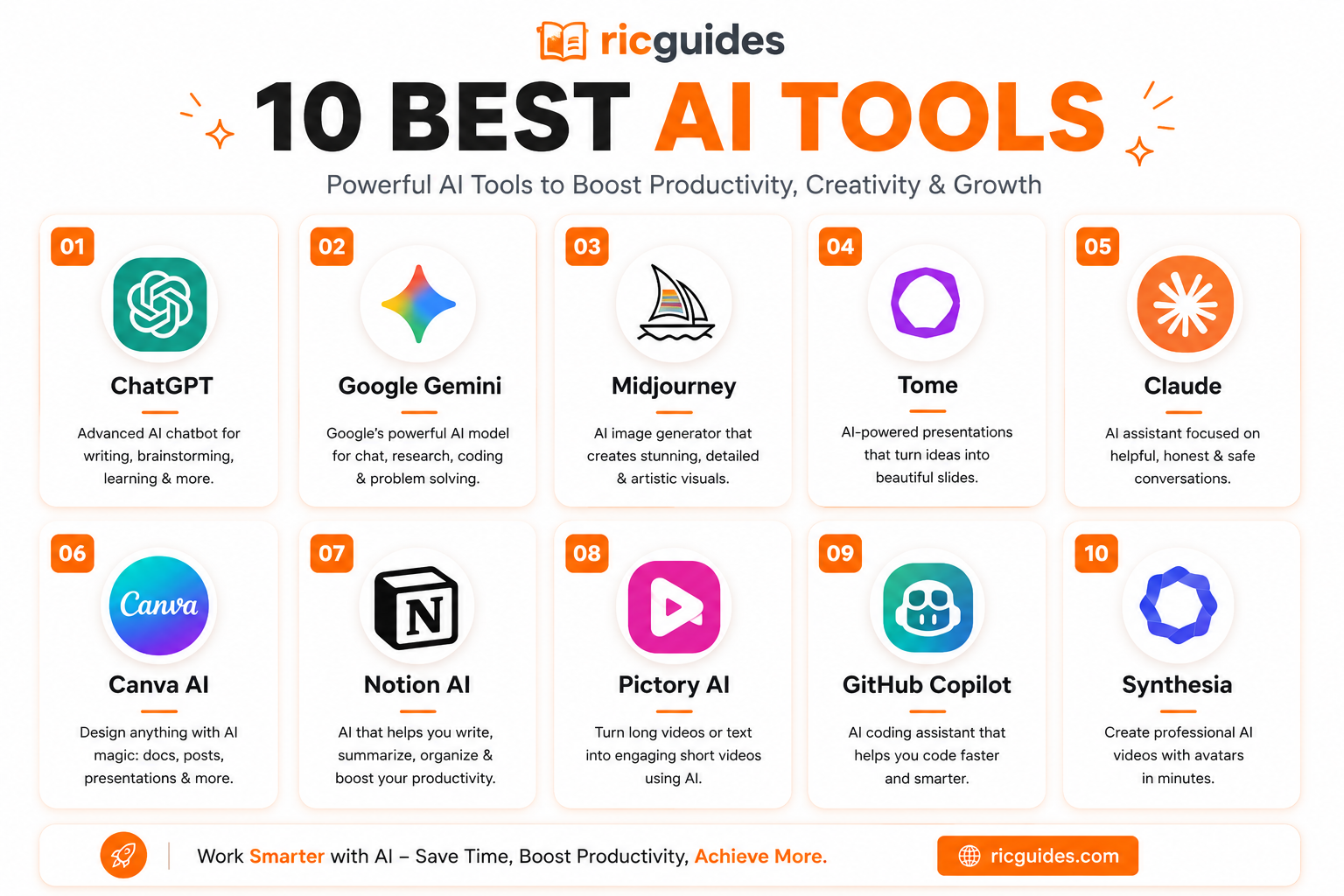
Students have more AI tools available than ever, but having too many options can create another problem: which AI tools are actually worth using?
10 Best AI Tools for Students in 2026 ?can help you study smarter, save time, and improve your productivity.
One tool may be excellent for studying from PDFs, another may be better for writing, while a different one can turn a rough idea into a presentation in minutes. The best choice depends on what you are trying to accomplish.
We reviewed 10 popular AI tools for students and organized them around practical study tasks—from understanding course material and improving writing to coding, research, organization, and presentations.
The goal isn’t to find one tool that does everything. It is to find the right tool for each part of your study workflow.
10 Best AI Tools for Students in 2026
1. NotebookLM – Your Smart Study Notebook
Best for: Studying from your own notes, textbooks, PDFs, and course materials
NotebookLM is one of the most useful AI tools for students who regularly work with large amounts of reading material.
Instead of simply asking a general chatbot a question, you can provide your own sources. NotebookLM can analyze PDFs, websites, Google Docs, Slides, YouTube videos, and other supported materials, then answer questions based on those sources. Google also provides features such as study guides, quizzes, flashcards, mind maps, and Audio Overviews. (Google for Education)
That makes it particularly useful before exams.
For example, you could upload lecture slides and ask NotebookLM to identify the major concepts, create practice questions, or explain difficult sections.
What we like
- Excellent for source-based studying
- Useful for large documents
- Generates study materials
- Provides citations back to source material
- Audio Overviews can make revision more convenient
What to watch out for
NotebookLM works best when you already have good source material. It isn’t necessarily the best choice when you simply want a general conversation about a topic.
Our verdict: ⭐⭐⭐⭐⭐
Best choice for: Students studying from their own course materials.
2. Google Gemini – AI Inside Google Tools
Best for: General study assistance and students already using Google’s ecosystem
Gemini is Google’s general-purpose AI assistant, making it particularly interesting for students who already use Google Docs, Drive, Gmail, and other Google services.
It can help explain concepts, brainstorm ideas, summarize information, assist with writing, and support research and learning workflows.
Google has also introduced study-focused notebook functionality where students can upload study materials and create personalized interactive lessons, diagnostic quizzes, and flashcards. (Google Support)
The major advantage is convenience if much of your academic work already happens inside Google’s ecosystem.
What we like
- Strong general-purpose assistant
- Works well with Google-centric workflows
- Useful for explanations and brainstorming
- Study notebooks can turn course material into interactive learning
What to watch out for
Gemini is a broad AI assistant, so students should still verify important academic information against original sources.
Our verdict: ⭐⭐⭐⭐½
Best choice for: Students heavily invested in Google tools.
3. Grammarly – Write with Confidence
Best for: Improving writing, grammar, clarity, and tone
Grammarly is different from tools such as NotebookLM and Gemini because its main value is helping you improve writing.
It can identify grammatical problems, spelling mistakes, awkward phrasing, and clarity issues. This can be particularly useful when writing essays, emails, applications, reports, or presentations.
For students, the biggest advantage is that Grammarly can act as a second set of eyes before submitting written work.
What we like
- Easy to use
- Useful for proofreading
- Helps improve clarity
- Useful beyond academic assignments
What to watch out for
Students should avoid blindly accepting every suggested rewrite. Your writing should still sound like you, particularly when submitting academic work.
Our verdict: ⭐⭐⭐⭐½
Best choice for: Editing and polishing your own writing.
4. QuillBot – Rewriting Made Simple
Best for: Paraphrasing, summarizing, and improving sentence flow
QuillBot is primarily known for rewriting and paraphrasing.
It can be useful when you have written something yourself but want to make a sentence clearer or change its structure.
It can also help summarize longer text, making it useful when processing large amounts of information.
What we like
- Simple interface
- Useful paraphrasing features
- Helpful for improving sentence structure
- Can make dense text easier to understand
What to watch out for
Paraphrasing does not eliminate the need to cite the original source. Changing the wording of someone else’s ideas does not make those ideas your own.
Our verdict: ⭐⭐⭐⭐
Best choice for: Reworking your own writing and understanding difficult text.
5. ChatPDF – Talk to Your Textbooks
Best for: Asking questions about PDF documents
ChatPDF takes a simple idea and makes it practical: upload a PDF and interact with it through a conversational interface.
For students, this can be useful when dealing with research papers, textbooks, lecture notes, manuals, or other PDF-heavy coursework.
Instead of manually searching through dozens of pages, you can ask questions about the document and use the responses to locate relevant information.
What we like
- Convenient for PDF-based research
- Faster than manually searching some documents
- Useful for asking specific questions
- Beginner-friendly
What to watch out for
Always check important answers against the original document. An AI-generated answer is not a replacement for reading the source.
Our verdict: ⭐⭐⭐⭐
Best choice for: Students who frequently work with PDFs.
6. ChatGPT – The All-Round Study Buddy
Best for: General study assistance
ChatGPT is arguably the most flexible tool on this list.
Students can use it to explain difficult concepts, generate practice questions, brainstorm essay ideas, help debug code, create study plans, summarize material, or practice conversations.
The important thing is how you use it.
Instead of asking AI to complete an assignment for you, you can ask it to act as a tutor. For example:
“Explain this concept using a simple example, then give me five questions to test whether I understand it.”
That approach makes ChatGPT more useful as a learning assistant rather than simply an answer generator.
What we like
- Extremely versatile
- Useful across many subjects
- Good for explanations and brainstorming
- Can help with coding as well as academic work
- Useful for creating practice material
What to watch out for
AI can make mistakes. Important facts, calculations, citations, and academic claims should be checked.
Our verdict: ⭐⭐⭐⭐⭐
Best choice for: Students who want one flexible AI assistant for many different tasks.
7. Notion AI – Stay Organized Without Stress
Best for: Notes, organization, planning, and productivity
Notion is already popular as a workspace for notes and project organization, while its AI features add another layer of assistance.
Students can use it to organize class notes, manage assignments, structure projects, and turn information into more manageable workflows.
This makes it less about answering individual questions and more about keeping your academic life organized.
What we like
- Excellent organizational workspace
- Useful for notes and projects
- Combines productivity with AI assistance
- Good for students managing multiple subjects
What to watch out for
Notion has a learning curve. It can become unnecessarily complicated if you create elaborate systems instead of simply using it to solve a problem.
Our verdict: ⭐⭐⭐⭐
Best choice for: Organized students who want notes and planning in one workspace.
8. AskCodi – A Coding Assistant
Best for: Programming assistance
Students studying computer science or software engineering have different needs from students writing essays.
AskCodi is designed around coding workflows. It can help developers understand code, generate coding assistance, and work through programming-related tasks.
For beginners, an important use is learning why a piece of code works rather than simply copying generated code.
What we like
- Designed specifically around coding
- Useful for programming assistance
- Can help explain technical concepts
- Helpful for students learning development
What to watch out for
Generated code should always be tested. A solution that looks correct can still contain bugs, security issues, or misunderstandings of the assignment.
Our verdict: ⭐⭐⭐⭐
Best choice for: Students learning programming.
9. Tutor AI – Your Personal Teacher
Best for: Personalized explanations and learning support
Tutor-focused AI tools take a different approach from general-purpose chatbots. Instead of simply giving information, the goal is to create a more educational interaction.
A good AI tutor can help explain a difficult concept at a simpler level, provide questions for practice, and adapt explanations when a student does not understand something.
The biggest advantage is convenience: students can ask follow-up questions without worrying about running out of time during a study session.
What we like
- Useful for concept explanations
- Can provide personalized learning support
- Helpful for practice
- More focused on teaching than general productivity
What to watch out for
AI tutoring should complement teachers, textbooks, and other reliable resources—not replace them.
Our verdict: ⭐⭐⭐⭐
Best choice for: Students who want interactive explanations and practice.
10. Gamma AI – Presentations Made Easy
Best for: Creating presentations and visual documents
Gamma is particularly useful when the challenge isn’t understanding the subject but presenting it well.
Students can use it to turn ideas or written material into structured presentations and visual documents.
This can save time when preparing class presentations, project pitches, reports, or other visual assignments.
What we like
- Fast presentation creation
- Useful for visual structure
- Good starting point for presentations
- Can reduce time spent formatting slides
What to watch out for
AI-generated slides still need editing. Check facts, simplify crowded slides, and make sure the final presentation reflects your own understanding.
Our verdict: ⭐⭐⭐⭐½
Best choice for: Students who regularly create presentations.
Comparison Table
| AI Tool | Best For | Main Strength | Our Rating |
|---|---|---|---|
| NotebookLM | Notes & research | Source-grounded study | ⭐⭐⭐⭐⭐ |
| Google Gemini | General study | Google ecosystem | ⭐⭐⭐⭐½ |
| Grammarly | Writing | Editing & clarity | ⭐⭐⭐⭐½ |
| QuillBot | Paraphrasing | Rewriting | ⭐⭐⭐⭐ |
| ChatPDF | PDFs | Document Q&A | ⭐⭐⭐⭐ |
| ChatGPT | General study | Versatility | ⭐⭐⭐⭐⭐ |
| Notion AI | Organization | Notes & productivity | ⭐⭐⭐⭐ |
| AskCodi | Coding | Programming assistance | ⭐⭐⭐⭐ |
| Tutor AI | Tutoring | Personalized learning | ⭐⭐⭐⭐ |
| Gamma AI | Presentations | Visual creation | ⭐⭐⭐⭐½ |
The key takeaway is that there is no single winner for every student. Recent comparisons of student AI tools similarly separate them by tasks such as studying, writing, research, coding, and presentations rather than treating one application as universally superior. (The AI Rankings)
How to Use Them Together
The biggest mistake students can make is installing ten AI tools and then using all of them for the same task.
A better approach is to give each tool a specific job.
Step 1: Learn the material
Use ChatGPT or Gemini to ask questions and get difficult concepts explained in simpler language.
Step 2: Work with your course material
Upload your notes, readings, or PDFs to NotebookLM.
Ask it to create summaries, study guides, quizzes, and flashcards. Because NotebookLM can ground responses in your supplied sources and provide citations, it is particularly useful when your study session depends on specific course materials. (Google for Education)
Step 3: Improve your writing
Draft your work yourself and use Grammarly to identify grammar and clarity problems.
Use QuillBot when you genuinely need help restructuring your own wording, while still crediting original sources.
Step 4: Get help with technical work
If you’re studying programming, AskCodi can become part of your coding workflow.
But don’t simply copy generated code. Ask the tool to explain the solution and then test it yourself.
Step 5: Build your presentation
When the assignment requires slides, Gamma can help create the initial structure.
Then edit the presentation yourself and make sure every claim and visual supports your actual argument.
This creates a simple workflow:
Learn → Research → Write → Practice → Present
Instead of replacing learning, AI becomes a collection of tools supporting different stages of the process.
FAQs
Which AI tool is best for students?
There is no universal winner. ChatGPT is one of the strongest all-round options, while NotebookLM is particularly useful for studying from your own documents. Gemini is attractive for students already using Google’s ecosystem.
Is NotebookLM better than ChatGPT for studying?
They serve different purposes.
NotebookLM is particularly useful when you want to study specific sources you provide, while ChatGPT is more flexible for general explanations, brainstorming, tutoring, and many other tasks. NotebookLM’s source-grounded approach and citation features make it especially useful for course-specific material. (Google for Education)
Can students use AI to write assignments?
AI can help students brainstorm, understand concepts, organize ideas, and improve drafts, but students should follow their school’s academic-integrity rules. AI-generated work should not automatically be submitted as original student work.
Which AI tool is best for presentations?
Gamma is one of the better options on this list for quickly creating presentation structures and visual layouts.
Which AI tool is best for PDFs?
NotebookLM and ChatPDF are both useful options. NotebookLM is particularly strong when you want to build a larger study workflow around multiple sources, while ChatPDF is convenient for directly interacting with PDF documents.
Should students pay for multiple AI subscriptions?
Usually not.
Start with the free options that cover your needs. Only pay when a specific limitation is genuinely slowing down your workflow.
Conclusion
The best AI tools for students aren’t necessarily the tools with the longest feature lists.
What matters is whether a tool solves a real problem.
NotebookLM stands out for studying from your own material. ChatGPT is the strongest all-round assistant in this list. Gemini makes sense for students who live inside Google’s ecosystem. Grammarly and QuillBot focus on writing, while ChatPDF is useful for document-based work. Notion AI helps with organization, AskCodi supports coding, Tutor AI focuses on learning, and Gamma makes presentations easier.
The smartest approach is therefore not to find one AI tool that does everything.
Build a small toolkit where each tool has a specific job.
Used that way, AI can reduce repetitive work, help explain difficult concepts, make revision more interactive, and give students more time to focus on actually understanding what they are learning.
